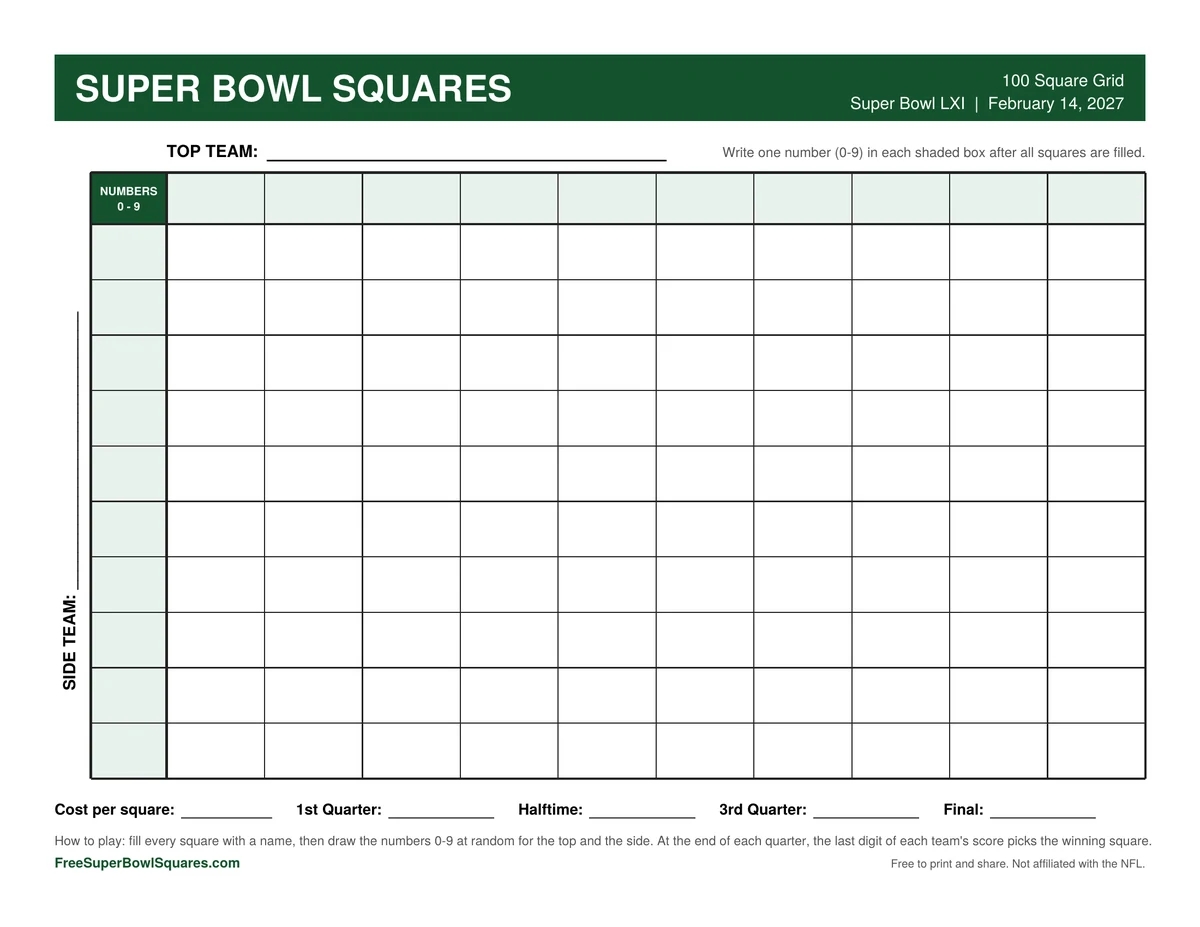
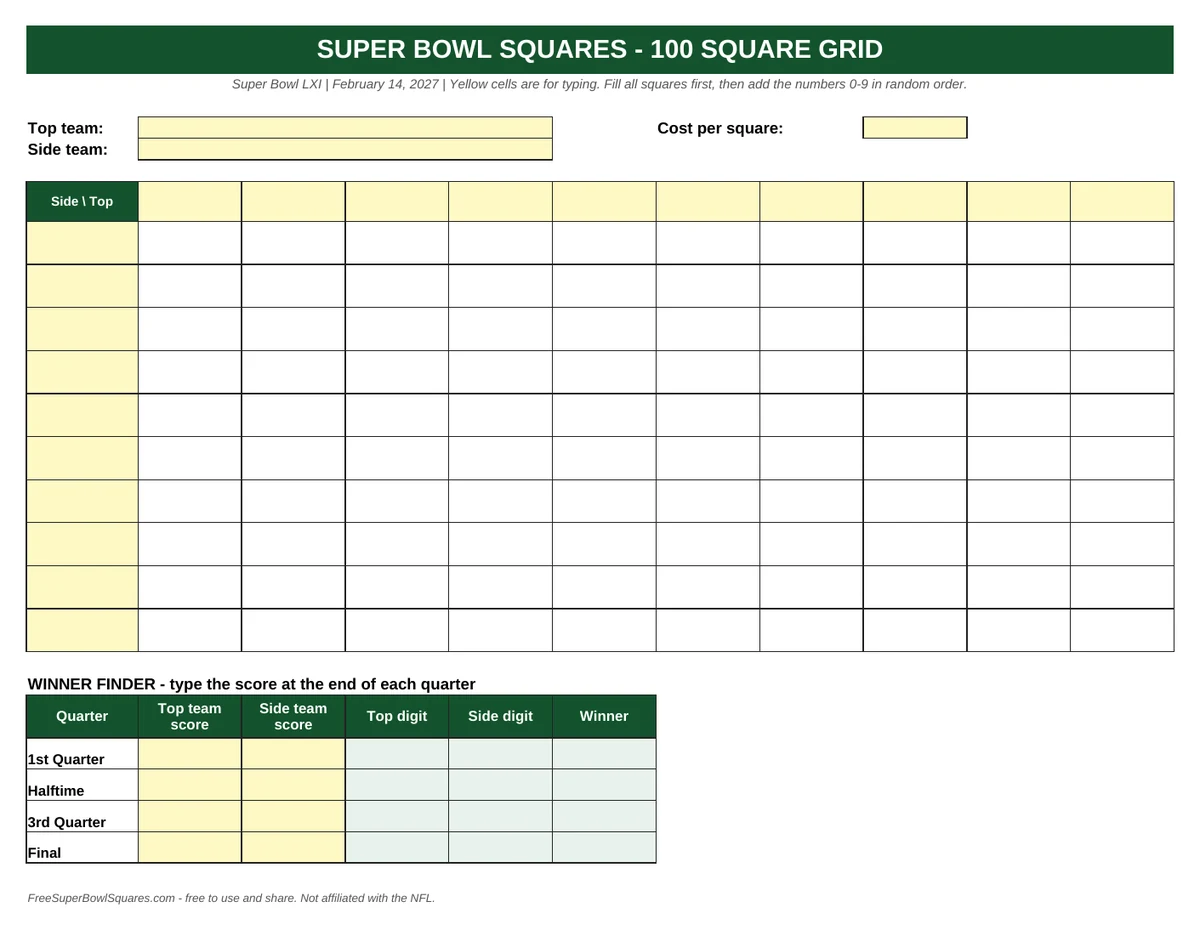
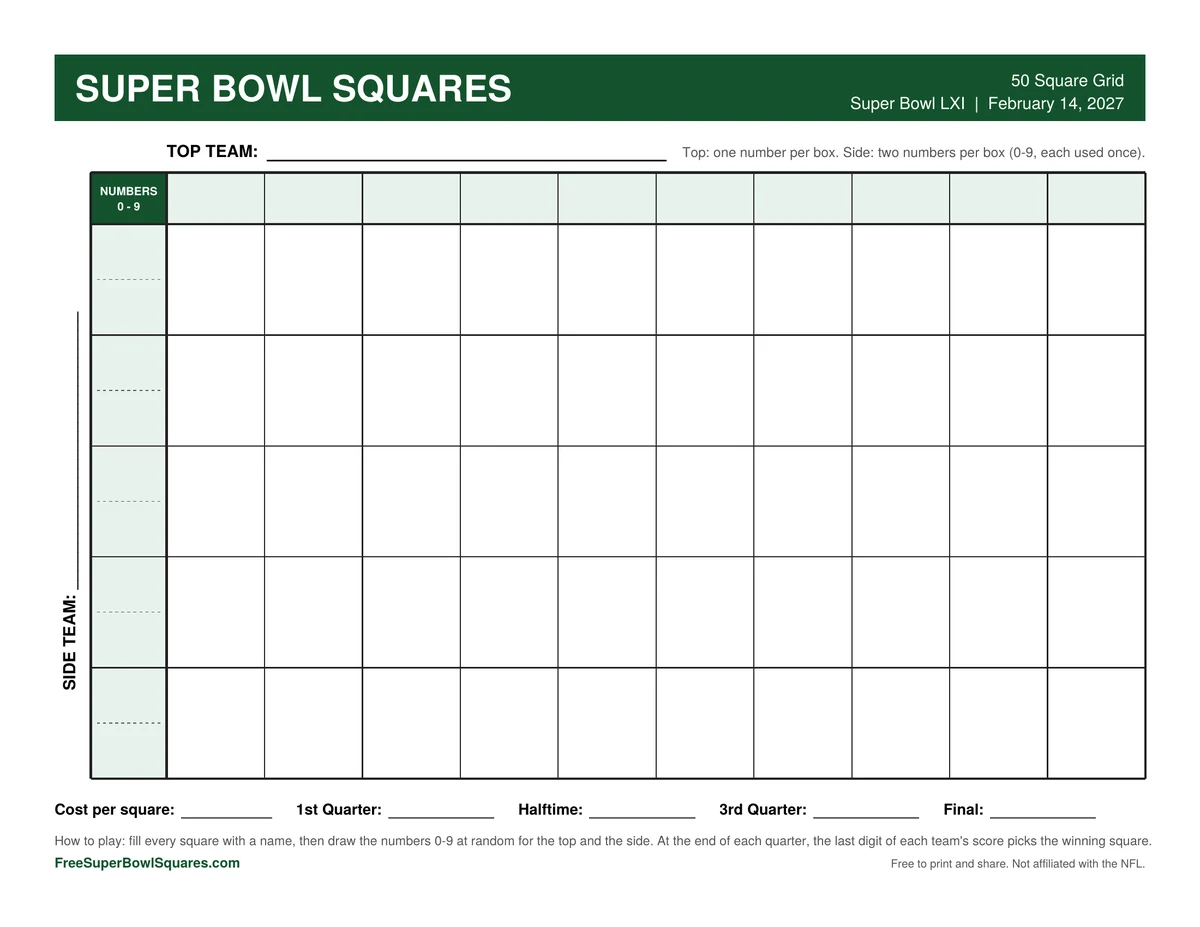
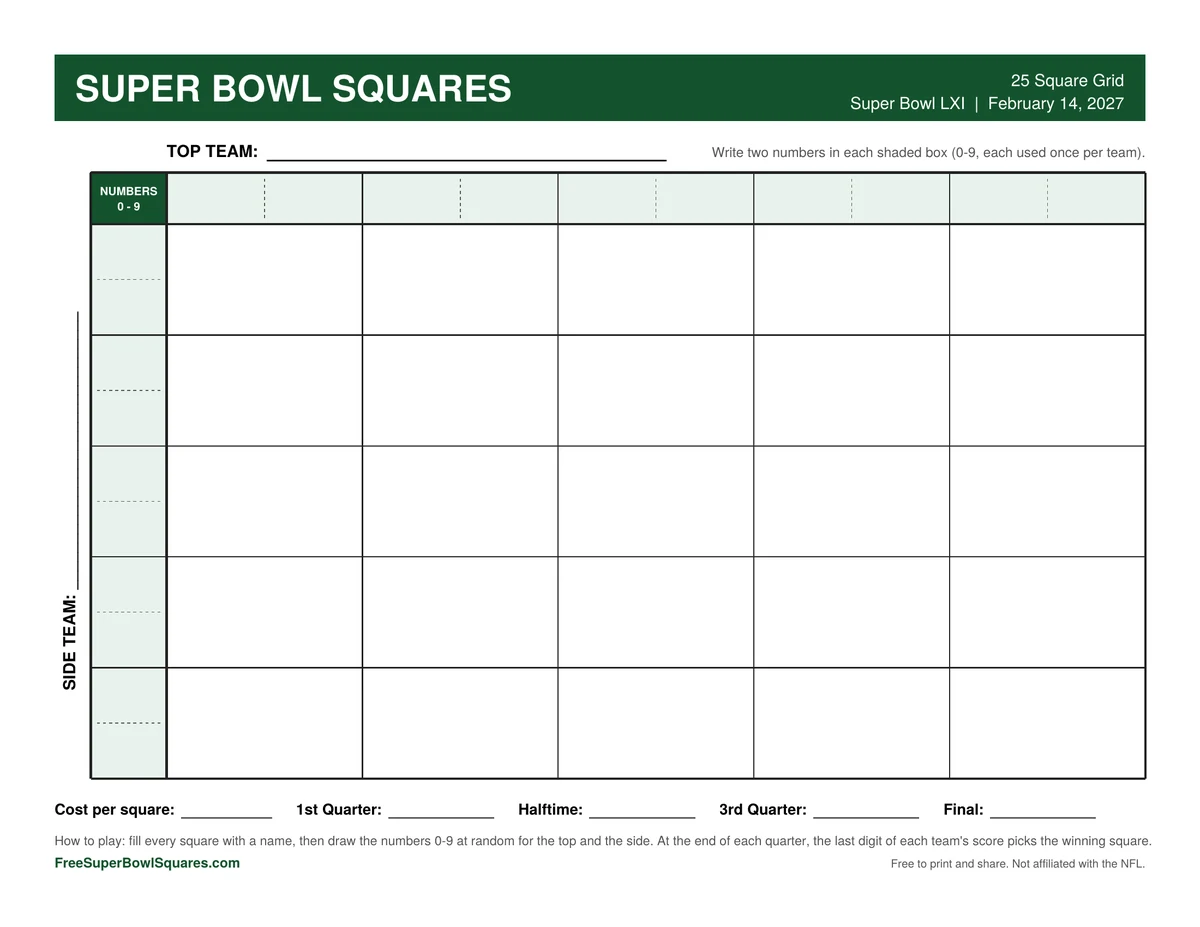
This Super Bowl squares template for 2027 comes in 4 free files: a 100 square grid in PDF and Excel, plus 50 and 25 square grids in PDF. Each one prints on a single US Letter page.
Use the 100 square Super Bowl squares template for 20 or more players, the 50 square template for 10 to 25 players and the 25 square template for smaller groups. A smaller grid fills faster, and every score still has a winner.
Template
Grid
Best for
Numbers per box
100 squares
10 by 10
20 or more players
1 on top, 1 on the side
50 squares
10 by 5
10 to 25 players
1 on top, 2 on the side
25 squares
5 by 5
5 to 10 players
2 on top, 2 on the side
How do You Use a Super Bowl Squares Template?
You use a Super Bowl squares template in 6 steps: print it, write the team names, fill the squares, draw the numbers, add your rules and share the finished grid. The whole setup takes about 10 minutes once your group is ready.
Print the template. Or open the Excel file on your computer.
Write the team names. One team goes on the top line, the other on the side line.
Fill the squares. Each player writes a name or initials in the squares they want.
Draw the numbers. When the grid is full, draw 0 to 9 at random for the shaded boxes on top, then again for the side.
Add your rules. Use the lines at the bottom for the cost per square, if any, and the prize for each quarter.
Share the grid. Hang it on the wall or send a photo to your group before kickoff.
Should You Use a PDF, Excel or Google Sheets Template?
Use the PDF Super Bowl squares template to print and fill in by hand, and the Excel template to type names on a computer. For a group that is not in one place, upload the Excel file to Google Drive and open it with Google Sheets to share one link.
PDF: best for parties and office walls.
Excel: best for a clean typed grid. Type each quarter’s score and the winner’s name appears.
Google Sheets: best for remote groups. Everyone types a name in an open square.
How do You Print a Super Bowl Squares Template?
Print the Super Bowl squares template on US Letter paper in landscape mode, with the scale set to “Fit to page”. Each PDF is 1 page, so the whole grid prints on a single sheet with no cut-off edges.
For a wall grid, ask a print shop to enlarge the PDF to poster size.
The design uses light shading only, so it prints well in black and white.
Use a pen that does not smudge, since many hands will touch the page.
Is There a Super Bowl Squares Template for 2027?
Yes. Every Super Bowl squares template on this page is made for Super Bowl LXI, which is scheduled for February 14, 2027, at SoFi Stadium in Inglewood, California. The team name lines are blank, so you can start filling squares today.
The 2 teams are decided after the conference championship games. Versions with the team names filled in are added the same day. The NFL’s Super Bowl page has the official game details.
Super Bowl Squares Template FAQ
Is the Super Bowl squares template free?
Yes. All 4 files are free to download and print, with no account, email or payment.
Can you edit the template?
Yes. The Excel template is fully editable. You can type names, team names and the numbers.
Does the Excel template work in Google Sheets?
Yes. Upload the file to Google Drive and open it with Google Sheets. The winner finder works there too.
Can you use the template for other football games?
Yes. The same grid works for any NFL game, including playoff, Thanksgiving and Christmas games. Write in the 2 teams that are playing.
How do you randomize the numbers?
Write 0 to 9 on slips of paper and draw them from a cup, once for the top and once for the side.
Can you use the template for a fundraiser?
Yes. The templates are free for schools, teams, clubs and charities. Check your local rules first.
Your Super Bowl Squares Template, in Short
The Super Bowl squares template is free in PDF and Excel, in 100, 50 and 25 square sizes. Print it, fill the squares and draw the numbers before kickoff.